GTO Trainer
The IkaSolver trainer lets you practice making GTO-optimal poker decisions against solved strategies. Instead of just browsing solver output, you sit at a virtual table and play hands - the solver evaluates every decision you make and tells you how close you were to the game-theory optimal play.
What You Need
Before you can use the trainer, you need a completed solve. The trainer reads the solved strategy data to know the correct play for every hand and every decision point in the tree. If you haven't run a solve yet, see the solver settings and running the solver pages.
You can train on any solved tree - preflop, postflop from a specific street, heads-up, or multiway. The trainer adapts to whatever tree you have loaded.
Accessing the Trainer
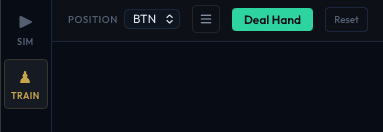
Switch to the TRAIN tab in the top navigation bar. This tab appears alongside the TREE and SOLVE tabs once a tree is loaded.
Layout
The trainer screen is split into two resizable panels.
Main Panel (Left)
The main panel takes up roughly 80% of the screen and contains three sections stacked vertically:
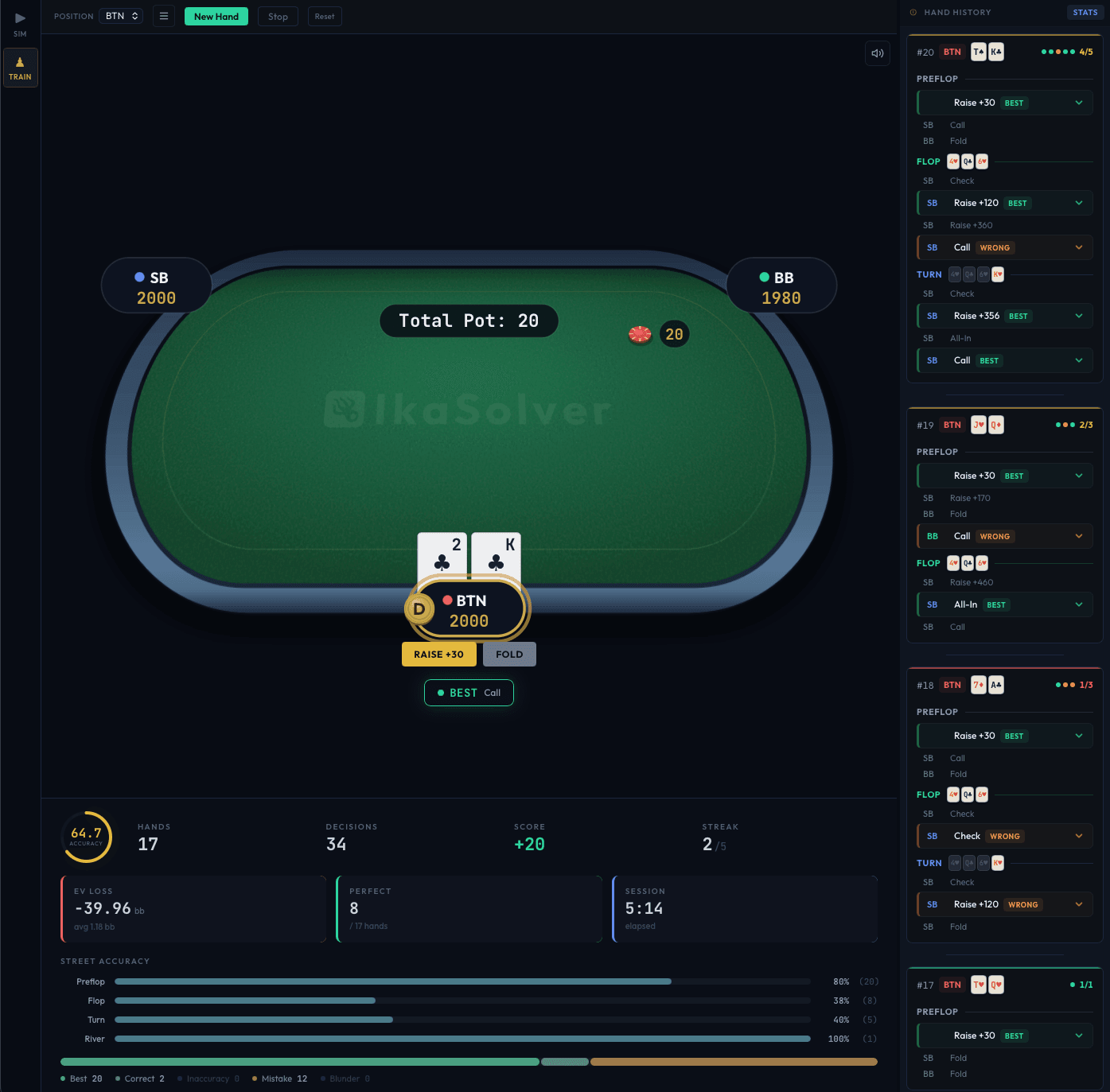
- Controls bar at the top - position selector, settings menu, and action buttons (Deal Hand, New Hand, Stop, Reset). See controls and options for full details.
- Poker table in the center - a visual table showing your hole cards, community cards, pot size, and player stacks. When feedback is enabled, a popup overlay appears here after each decision showing how your play compared to the GTO strategy.
- Session stats at the bottom - live accuracy ring, score, streak, EV loss, per-street and per-position accuracy bars. See stats and history.
Hand History Panel (Right)
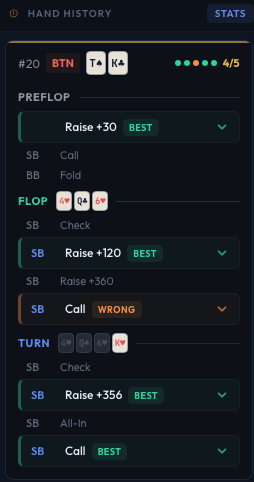
The right panel (roughly 20% of the screen, resizable) shows a scrolling hand history of every hand you've played in the current session. Each hand entry shows:
- Your position and hole cards
- Every decision made during the hand (by you and opponents)
- Color-coded severity dots for your decisions (green for correct, yellow for inaccuracies, red for blunders)
Click the Stats button in the hand history header to open the session history modal for all-time training statistics across sessions.
The divider between the two panels can be dragged to resize them to your preference.
How a Training Session Works
- Select your position from the dropdown (e.g., BTN, BB, SB).
- Configure any training options you want (hand filters, timer, feedback mode, etc.).
- Click Deal Hand to start.
- The trainer deals you hole cards and plays out the hand. When it's your turn, choose an action from the buttons at the bottom of the table.
- After each decision (or after the full hand, depending on your feedback mode), a feedback popup shows whether your play was correct and how it compares to the GTO strategy.
- Click New Hand to get another hand, or Stop to end the session and save your stats.
The trainer samples opponent actions from their solved strategy distributions, so you'll face realistic play - not just the highest-frequency action every time.